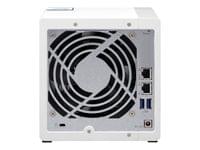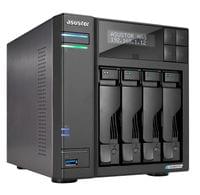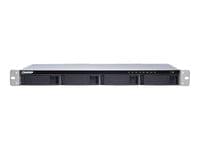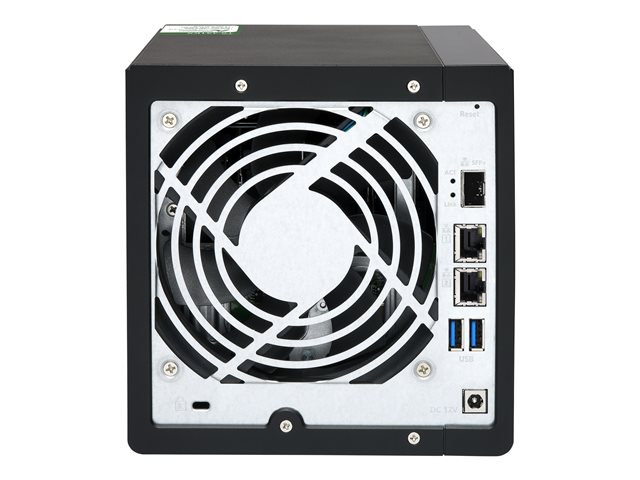
High-speed 10GbE network environmentPowered by AnnapurnaLabs AL-214 quad-core 1.7 GHz processor with 2 GB DDR3L RAM (single memory slot), the TS-431KX features one 10 GbE SFP+ port and two Gigabit ports for high-speed data transfer. Coupled with QNAP QSW series network switch, you can easily upgrade your network environment to 10 GbE affordably to enjoy streamlined workflow.Easily create a high-speed network environment10 GbE improves overall network performance and everyday tasks with ten times the bandwidth of 1 GbE. From 10 GbE NAS, to switches, to network adapters, QNAP provides a complete range of everything needed to upgrade to 10 GbE environments.Multi-point file backup, access and syncHBS (Hybrid Backup Sync) consolidates data backup, recovery, and data synchronization, integrated with the TS-431KX high-speed 10GbE connectivity, you can easily backup or sync data to another QNAP NAS, remote server or cloud storage to build a reliable disaster recovery solution. Qsync turns the TS-431KX into a secure, high-capacity data center for file synchronization. Any file uploaded to the TS-431KX will be made available for all linked devices, such as computers, laptops, and mobile devices. You can also sync shared folders or create team folders to enhance team collaboration.Boost productivity with QNAP applicationsQNAP File Station provides centralized file management allowing you to view and manage files on your TS-431KX and other storage or devices (such as USB storages or mobile devices). Qfiling can help you automate file organization, while Qsirch can accelerate file searches. You can also use the Qfile mobile app to access NAS files from a mobile device.Protects your sensitive data with file encryptionWhen sharing sensitive or confidential files on your TS-431KX, you can enhance data security by using File Station to encrypt them into. QENC files and set a password. The file recipients need to download and install QENC Decrypter on their computers and enter the password to decrypt, view and use encrypted. QENC files.Protect data against malware with SnapshotsSnapshots help protect your data by fully recording the NAS system state and metadata. If a file is accidentally deleted or modified, you can use snapshots from the Storage & Snapshots Manager or the File Station to quickly restore files to its previously-recorded state. QNAP snapshots are block-based and only record modified data. Not only does this save storage space, but it also reduces the time required to back up and restore data. The TS-431KX supports up to 32 snapshots per volume or LUN, and up to 64 snapshots in total.